

Edited by
M. Ibrahim

Reviewd by
Abdul Qadir
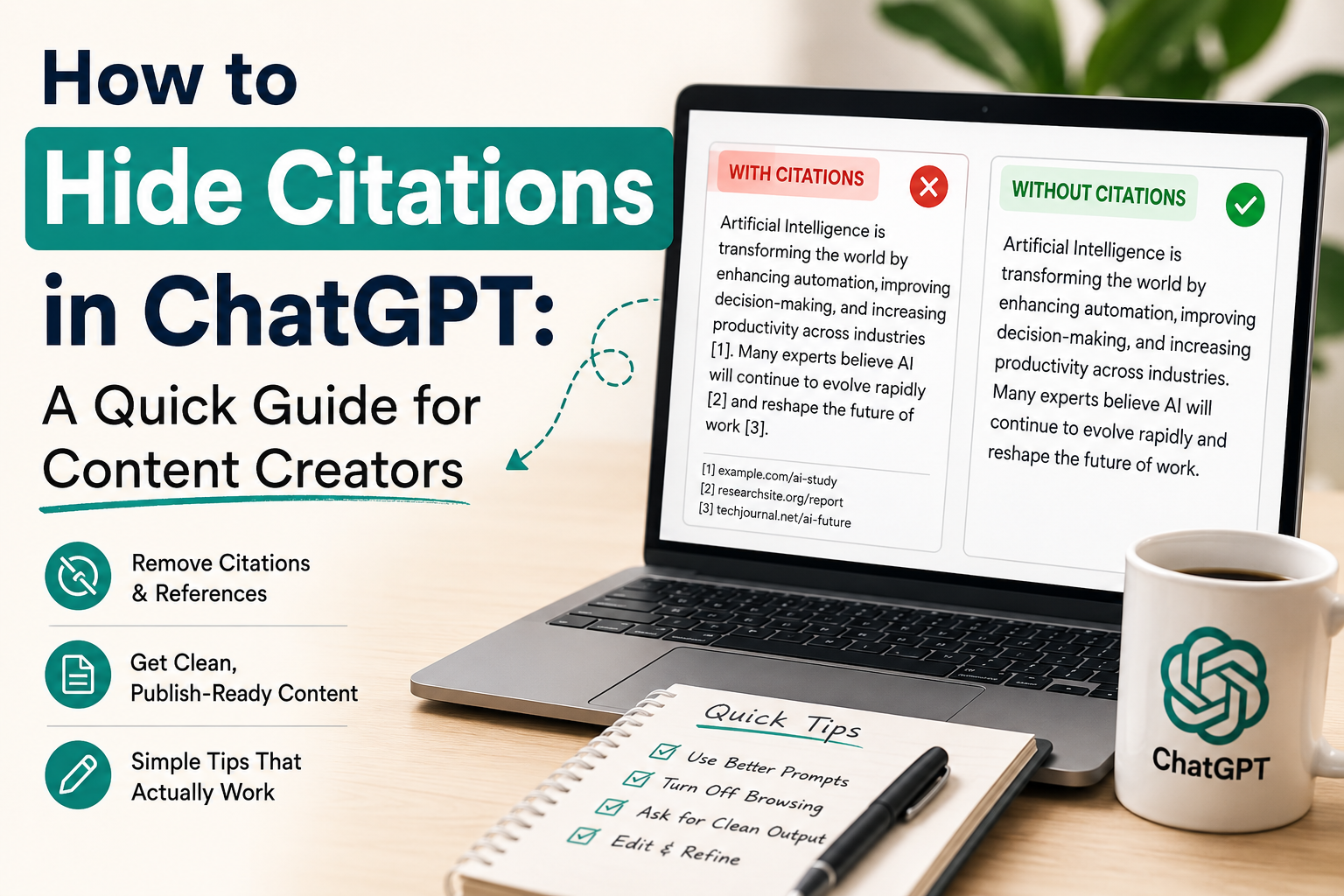
You open ChatGPT, type in a simple blog post prompt and then press enter. However, your screen becomes cluttered with bad numbers in brackets such as [1] or random links. Your text appears as a poorly organized school paper and not a neat and friendly blog. Sometimes AI adds old, bad reviews about a brand that look worse and you don’t want your readers to read. You would like your work to be easy to read for readers. In this guide, you will learn how to hide citations in ChatGPT and deliver your clients with the best content to read.
ChatGPT operates on pattern recognition algorithms and statistical probabilities, not human intuition. Typically, facts on the internet will have links beside them. So, if you give the AI a deep question to write a blog, it will add links and numbers to make itself appear much more intelligent. ChatGPT’s ability to find answers on the live web adds an automatic “fingerprint” that reveals the source of its information.
This presents 2 major issues for creators:
These cannot be deleted from the inside of the AI’s brain. However, you can give instructions to show you what you want to see. It’s time to learn how to do it properly.
The first step is to prevent it from happening in the first place. If you’re writing your prompt, you need to be very strict on the rules. Do not be vague. Write a good prompt with clear instructions to create a blog.
At the end of your prompt, copy and paste this sentence:
“Write a simple article on this [Topic]: Please avoid any brackets, numbers or links. Do not include any footnotes; only write the plain text. Do not include any formal references.“
If you specify this clear rule, the AI will not add such marks. You now know how to hide citations in ChatGPT from the get-go.
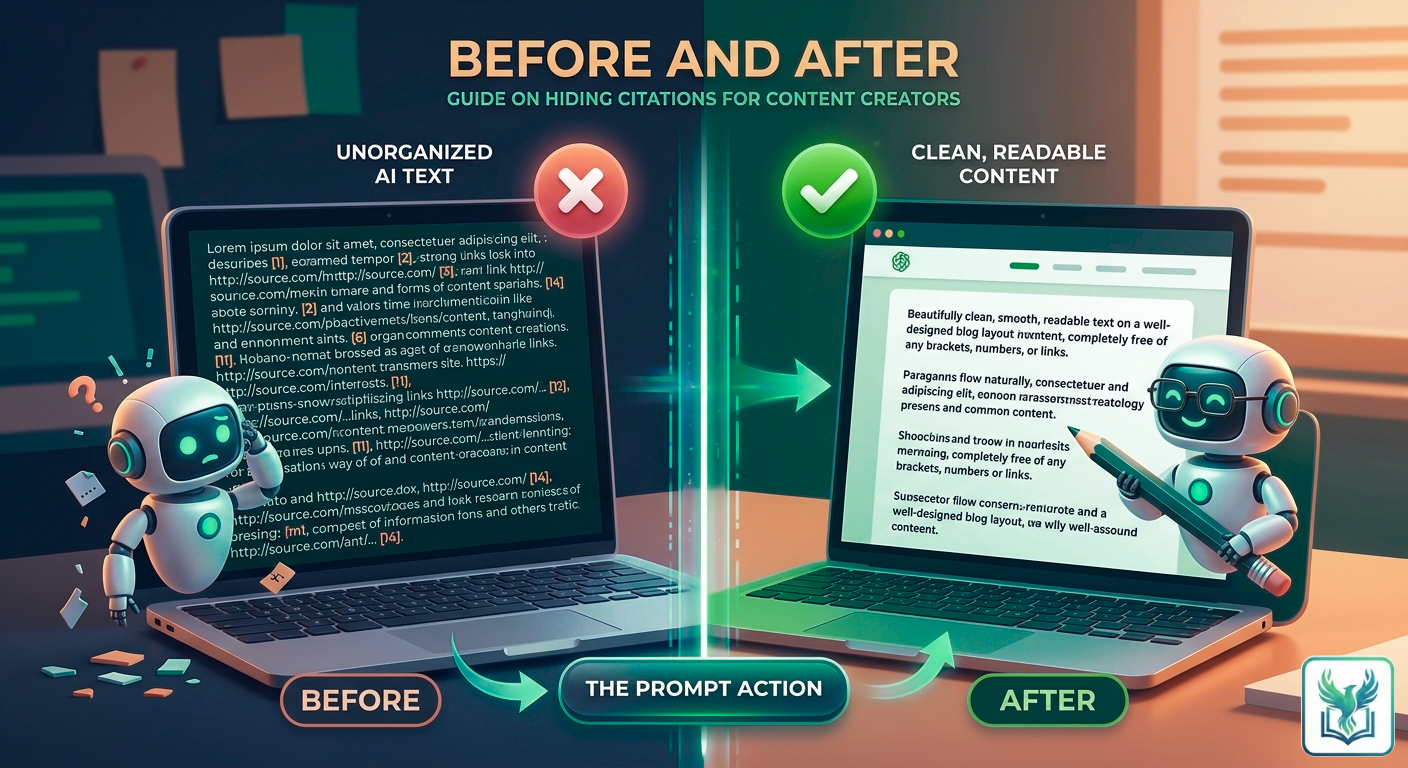
What happens if you have a wonderful article but there are bad links in it? There is no need to remove them one at a time. Allow AI to correct its own errors with instructions.
Leave the same chat and type in:
“This is the text you just wrote. Remove all the brackets, numbers and links in it. Fix the sentences so that they are normal and clean. Don’t change the main story; just remove the citation marks.”
The AI will rewrite the text in real-time and provide you with a clean copy.
ChatGPT will need to cite websites when using the live internet. Use a 2-step system for live facts but clean text.
This helps you maintain the truth in your facts and also ensures that your final draft appears totally tidied up. This 2-step trick will help you save significant editing time by learning how to hide citations.
Sometimes the issue is greater than some brackets. If ChatGPT continues to recall a bad story about your client time and time again, what’s the problem? If there is no new data for AI tools to read, they are fond of old data. These bad references will have to be drowned out with new, good content in order to be hidden.
First of all, check out what the AI is saying. Ask, “What are the negative reviews of Brand X? Record the key issues that it raises. Secondly, write lots of new positive updates. Post them on blogs, LinkedIn and social media. Be clear with words such as ‘Today’ or ‘Our current strategy is…’.
The AI goes back to the internet to look and finds a vast amount of positive new text. The old and bad links are pushed away. The old data will not be deleted but will be hidden under the good news.
If you don’t want to deal with the prompts daily, use some other alternatives. ChatGPT is designed to be a research assistant and is known for its fondness for links. For those who prefer to have their sources separated, choose certain writing software or different search software. They allow you to view the research in a side menu without all those ugly numbers in your pretty text paragraphs.
| Goal | Prompt Action | Best For |
|---|---|---|
| Prevent Clutter | Add “no brackets or links” to your main prompt. | Starting fresh projects. |
| Fix Current Drafts | Ask the AI to rewrite the text without source markers. | Quick corrections. |
| Permanent Fix | Update your Custom Instructions profile settings. | Daily content creation workflows. |
This is a simple manual that you can keep on hand to always know how to hide citations in ChatGPT:
Clean prompts are just the first step to mastering AI. If you want to stop wasting hours and start growing your business automatically, you need a real strategy.
🔗 Read Our Exclusive Masterguide: 5 Best Ways to Scale Your Marketing with AI for Business
People want easy-to-read, clean and friendly content and they are willing to pay you for it. They don’t want to see any of the above in a lifestyle blog or on a sales page. Understanding how to hide citations in ChatGPT is a superpower in the arsenal of online creators. It saves you many hours of tedious editing, keeps your pages looking beautiful and helps you to safeguard your client’s name. Make some good rules, clean your text before sending it to your clients and maintain your writing simple.
ChatGPT is capable of copying patterns from the web. Because authoritative online sources usually have links and source notes next to facts, the AI adds them to make its text look smart and credible. It also uses them to identify sites when accessing live web browsing.
No, they can’t be turned off for good. This can be controlled by setting a very specific custom instruction or system prompt. Let the AI know that it should always return plain text and never any brackets or URLs.
Not at all. Raw citation blocks such as [1] are ugly and do not provide for a good user experience for lifestyle blogs, landing pages, or social media. Making your content easier to read is achieved by hiding your technical markers while maintaining the facts.
These don’t have to be deleted by hand. Do not close the chat window; type in the same window: “Look at the text you just wrote. Get rid of all brackets, numbers and links. Edit the sentences so that they read naturally without losing anything.
It is impossible to log in the AI database to delete its memory, but it is possible to drown out its memory. Post and publish tons of positive and new updates to high traffic sites and LinkedIn. The new text moves the old content down when the AI indexes the web again.
Yes. Standard ChatGPT acts as a research assistant, but there are numerous specific AI copywriting tools designed to generate polished and usable marketing copy. They don’t just place your sources in your paragraphs but in a separate side menu.