
Edited by
M. Ibrahim

Reviewd by
Abdul Qadir

Edited by
M. Ibrahim
Reviewd by
Abdul Qadir
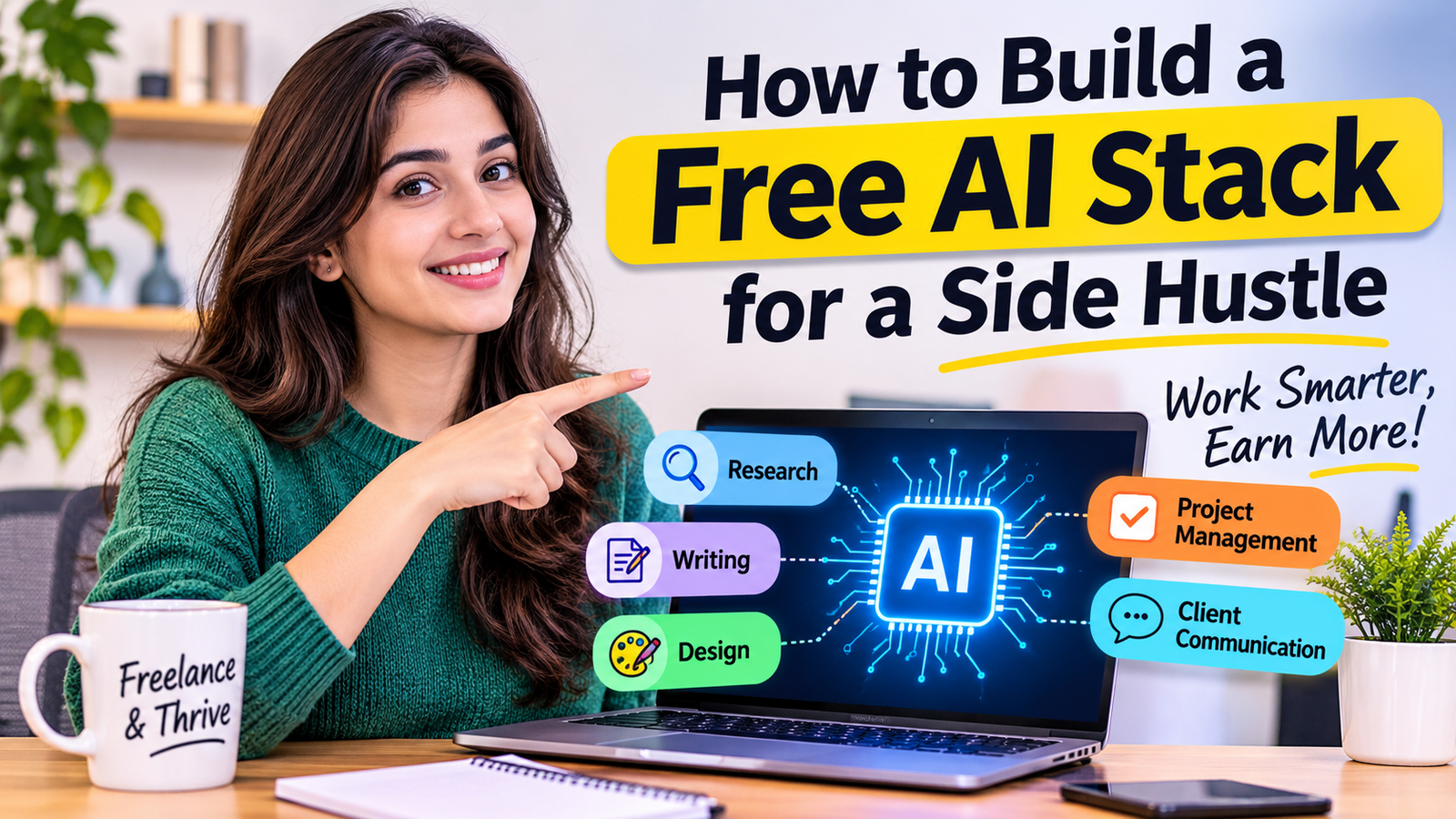
The first step to creating a free AI stack for a side hustle is to determine what services you are going to provide. Then select one tool to do each essential task (research, writing, design, project management and communication).
A freelance content writer could, for instance, brainstorm in ChatGPT, write in Google Docs, create graphics in Canva and manage projects in Trello. The most optimal stack isn’t necessarily the one with the most tools. It is the one that enables you to complete your work within a span of time without any hassle in paying additional fees.
Freelancers spend hours looking for information, writing, designing, organizing projects and communicating with clients. While AI tools can simplify these tasks, it can be difficult to know which tools to select. Some have free plans and others have paid plans for basic features.
This guide details how to create a free AI stack for a side hustle, select the tools based on the services and tie them together into a simple workflow. It also includes examples, free-plan restrictions and how to test your stack before putting it into use with your clients.
An AI stack is a set of tools that are digital and AI related, which can be used together to complete business tasks. You use a variety of tools to accomplish different tasks, rather than always using the same tool for all tasks.
An AI assistant could be used for research, a writing tool to draft content, a design platform to generate visuals and a project management app to manage deadlines, for instance.
By carefully designing a stack, repetitive tasks and mundane activities can be minimized, allowing freelancers to concentrate on those operations that demand creativity, judgment and communication. But an AI stack doesn’t have to be completely automated. A few easy-to-use tools can make a big difference in your workday.
Determine the service that you wish to provide first, then select tools. It depends on your business objectives which AI tools will be useful. Research, writing, editing and SEO tools are essential for a content writer. An image generation tool, design software and a client feedback tool might be necessary for a graphic designer. In the meantime, a virtual assistant might need to have scheduling, research and task management applications.
Record the activities that you do on a daily basis. Distinguish between activities that are crucial and those that occur occasionally. This is a straightforward measure to avoid signing up for tools that might be cool but that you don’t work on.
Oftentimes, research is one of the initial steps of a freelance project. AI assistants can be of service to you when brainstorming ideas, organizing information, preparing outlines and finding questions to explore. The free plan of ChatGPT can be helpful for freelancers when it comes to brainstorming, outlining and providing general research help. An alternative to planning and brainstorming is Google Gemini. Before choosing your workflow, explore these best AI tools for freelancers to compare options for writing, design and client management.
For those with a writing side business, AI writing tools can aid in idea generation, clarity and structure of drafts. Both ChatGPT and Claude are free to use, but their usage may be restricted in the future. Both can help with writing/editing, summarizing and brainstorming. Grammarly’s free features will also help you check the grammar, clarity and tone.
Design tools can be useful for freelance social media writers, social media presentation makers, thumbnail makers, or marketing material makers.
Canva provides all the design features and templates are free, assisting beginners in developing professional-looking visuals. The AI capabilities might be restricted to a certain degree or they may require a subscription fee; be aware of what you are able to use before relying on them. This pairing enables you to get from planning to visual production without having to manage multiple and complicated applications.
A good AI stack will also enable you to run your business. For organizing projects, Trello provides a free plan for organizing projects into boards, lists and cards. Notion additionally presents free workspace features that freelancers can use to arrange information, tasks and notes.
Make a basic board with the following sections:
This will provide you with a clear idea of what work you have to go through and make it less likely you’ll miss deadlines.
After you’ve chosen your tools, determine how information will flow between the tools. It doesn’t take a lot of sophistication in automation to start: For a new freelancer, a simple workflow with documents, task boards and AI assistants will suffice.
There are a number of aspects of business that can be addressed using the free AI tools for side hustles that are available today. Different platforms, though, have different usage limits; select tools for the work at hand.
| Tool | Main Purpose | Free Access | Best For |
|---|---|---|---|
| ChatGPT | Research, writing, planning | Free plan with usage limits | Content writers and virtual assistants |
| Claude | Writing, analysis, editing | Free plan with usage limits | Long-form content and document work |
| Canva | Graphic design and visuals | Free plan with limited AI uses | Designers and social media managers |
| Google Gemini | Research and brainstorming | Free access with limits | General freelance tasks |
| Trello | Project management | Free plan | Freelancers managing multiple clients |
| Notion | Notes and task organization | Free plan | Freelancers managing workflows |
Some details of free plans may vary on the official pricing pages, so be sure to review the pricing on the official pages before creating your workflow around a particular feature. The details of the current plan of each one of these tools are posted on their websites: ChatGPT, Claude, Canva and Notion.
While AI tools can streamline freelancer services, clients are not buying the software itself; they are buying a valuable service. Once your workflow is ready, explore these AI side hustles for freelancers to see how you can turn your skills into paid services.
Here are some practical services you can offer.
Brainstorm, outline and edit using AI. Then follow up on the subject, provide your own thoughts and produce material that meets the client’s needs.
Use AI-generated content ideas along with a design tool to produce social media content, captions and content plans.
Analyze design concepts using AI and develop initial ideas. Finalize visuals based on the client’s brand guidelines.
AI assistants can summarize information, research, draft emails and prepare documents. These are services that can be provided to small businesses that are in need of administrative assistance.
Convert an extended blog post into social media posts, email, or brief video scripts. Check each version to ensure that it is suitable for the platform and target audience. Here are some examples of AI tools for making money online using freelance services. You will get paid based on your skills, client, service quality and bringing value to the client.
Different freelance roles need different combinations of tools.
| Freelancer | Suggested Free Stack | Main Workflow |
|---|---|---|
| Content writer | ChatGPT + Google Docs + Trello | Research, write, edit, deliver |
| Graphic designer | Canva + ChatGPT + Trello | Brainstorm, design, organize feedback |
| Virtual assistant | ChatGPT + Google Docs + Notion | Research, summarize, manage tasks |
| Social media manager | ChatGPT + Canva + Trello | Plan, create, schedule content |
| Small business owner | ChatGPT + Canva + Notion | Marketing, planning, organization |
These are some examples of how free AI tools for freelancers can enhance various services without the need for a complex software configuration.
If it is a business idea or it’s a small project, you can use a free stack. A paid stack can come in handy when you have a lot of work to do or when work is stalled because of the free-plan limits.
| Feature | Free AI Stack | Paid AI Stack |
|---|---|---|
| Initial cost | No subscription cost | Monthly or annual fees |
| Usage limits | Often restricted | Usually higher limits |
| Advanced features | Limited access | More advanced options |
| Automation | Basic or limited | More automation options |
| Best for | Beginners and small projects | Growing freelance businesses |
Avoid upgrading because of the additional features a tool may have. Upgrade if a certain restriction is impacting a task and you feel the benefit is worth the expense.
Test your tools on a sample project before relying on your tools. This enables you to know how they work, what they’re good at and what is holding them back.

Step 1: Create a Sample Project
Set a realistic goal, like writing a blog post, creating a social media campaign or a client research report.
Step 2: Test Each Tool.
Use appropriate tools for the appropriate job! Note whether it yields valuable results and the amount of editing needed.
Step 3: Review Free-Plan Limits
Check limits of usage, export availability, file restrictions and features that require payment.
Step 4: Evaluate Your Workflow
See if you can share information between tools without copying or formatting it, or working on it multiple times.
Use a simple table to record your findings.
| Test | Result |
|---|---|
| Task completed | Yes or No |
| Time saved | Record actual time |
| Output quality | Good, average, or poor |
| Free-plan limitation | Record any restrictions |
| Suitable for client work | Yes or No |
Your own results will help you choose tools more accurately than a generic recommendation list.
For the beginner, select your stack according to the main service you are using. A content writer can start with ChatGPT, Google Docs and Trello. This package includes research, drafting and project organization.
Canva, combined with an AI assistant for brainstorming and creative planning, is where a graphic designer can begin. ChatGPT, Google Docs and Notion are tools a virtual assistant can utilize for organizing information and managing administrative tasks.
In the case of AI tools for small side businesses, a mix of an AI assistant, Canva and project management software can assist in managing the daily workflow, generating content and overseeing marketing. The primary objective should be creating a process that can help your company run without undue complexity.
It doesn’t need to be high-tech or costly to build an AI stack. First, figure out what freelance services you provide, then select a few free tools for basic jobs and link them together in a straightforward process.
Use sample projects to test your tools, understand the free-plan restrictions and only upgrade when your business really needs new capabilities. A practical Artificial Intelligence stack should allow you to save time, enhance your work and concentrate on client relationships. Begin small, test it out and build it up as you build your side hustle.
An AI stack is a collection of AI and productivity tools that freelancers use to complete their research, writing, design, project management and communication.
Find the most critical freelance tasks and select free tool for each of the tasks and then link them in a simple workflow. Test the stack before putting it into use for client projects.
Some good initial suggestions include ChatGPT, Claude, Canva, Google Gemini, Trello, and Notion. The right answer is based on which services you’re providing and what features are offered in each free plan.
Yes. AI can assist freelancers in various aspects, including writing, design, research, content repurposing, and virtual assistance. Tools powered by AI, however, do not promise clients or income.
No. Free tools are available for beginners. When usage quotas start to impact productivity or features are missing, paid subscriptions could make sense.
You can get a great jump-start on many of the elements of a small business’s startup stack with an AI assistant for planning, content, Canva for visual marketing, and Notion or Trello for organization.