
Edited by
M. Ibrahim

Reviewd by
Abdul Qadir

Edited by
M. Ibrahim
Reviewd by
Abdul Qadir
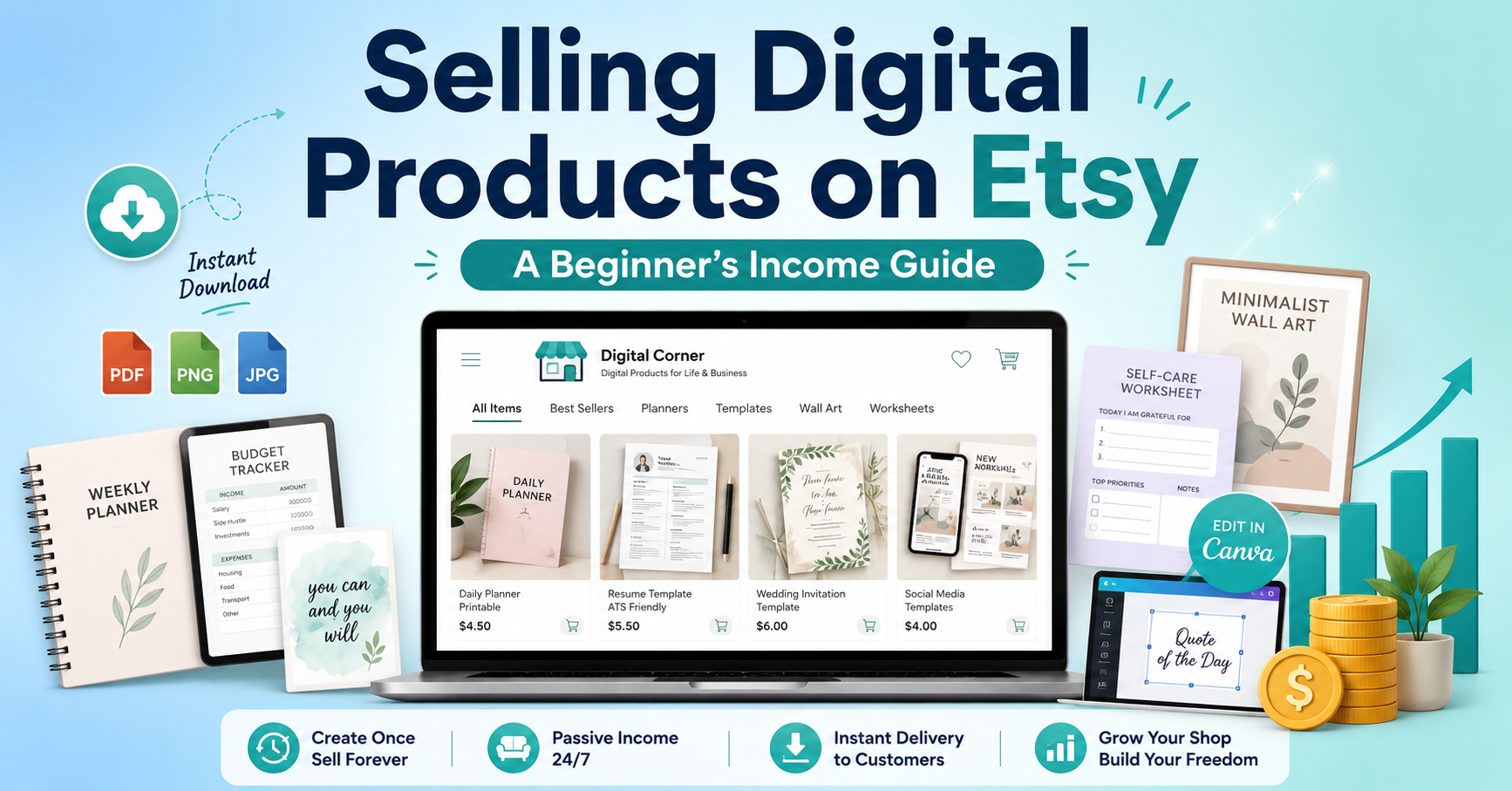
The online Sell Digital Products on Etsy is one of the easiest methods of making money online. You make one product, upload it to your Etsy store, and customers can purchase and download it at any time. All there is is no inventory, no shipping, and no packing orders.
So if you are looking for how to make money on Etsy selling digital products, you will learn it here in simple terms. You will discover what kinds of products are successful on Etsy, how to make a digital download, and how to build a successful shop. Etsy is a great option for students, freelancers, stay-at-home moms and dads, and anyone seeking additional income to create an online business. For more such guides and tips on making money online, head over to Incomrise.
A digital product is a product that the buyer downloads after payment. No shipping for this product. No physical object or thing. Etsy provides the buyer with a link that they then download to their phone or computer.
Common examples include:
After your digital file is uploaded, it can be sold 1 time or 1,000 times. Once you have done it and the money is rolling in! This is the No. 1 thing that sellers enjoy about this business model.
Here is the easy way to sell digital products on Etsy.
Go to Etsy.com and click “Sell on Etsy.” Select the name of your shop wisely. Choose a short, easy-to-spell name that is related to your niche. This step is the first of how to start a digital Etsy shop properly from the off.
Include an “About” section and a shop icon and banner. When a shop appears professional, that is what will seize customers’ confidence. If a logo is not clear or there is no profile, people go to another website.
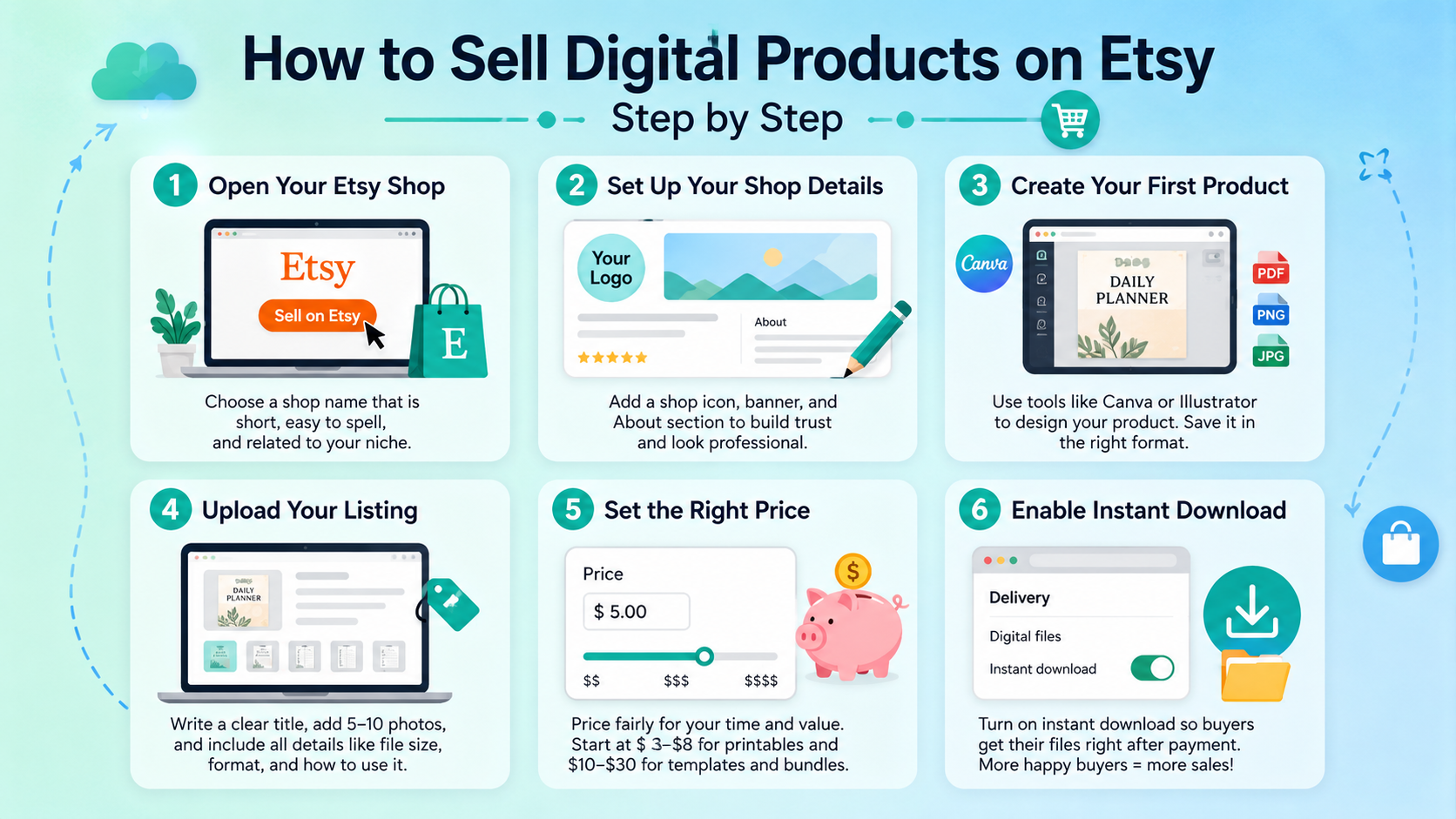
Create your file using a free or paid tool, such as Canva or Adobe Illustrator. Maintain a clean design and ensure it is easy to read. Save it as a PDF, PNG, or JPG as buyers require.
Use simple text for a title and include main keywords. Include 5-10 photos of the product’s appearance. Include all the information with regard to the file size, its format, and how to use it after downloading.
People who are new to selling tend to sell their product at too low a price. Do not charge too much for digital products because they will save you time and money. Simple printables start at $3 and can go up to $8. Templates and bundles can be sold from $10-$30.
Etsy offers an “Instant Download” feature. Set this to turn on to enable buyers to receive the file as soon as they pay. This means more sales as people like instant results.
When considering the best digital products to sell on Etsy, you should consider the following categories that sell consistently:
These categories are good because they address a genuine need, and buyers frequently have to address that need.
Creating digital products to sell on Etsy does not have to be super time-consuming and require costly software. These are some easy steps:
Keep files organized. No buyer should be confused after download. Include an easily understood instructions PDF in each product folder.
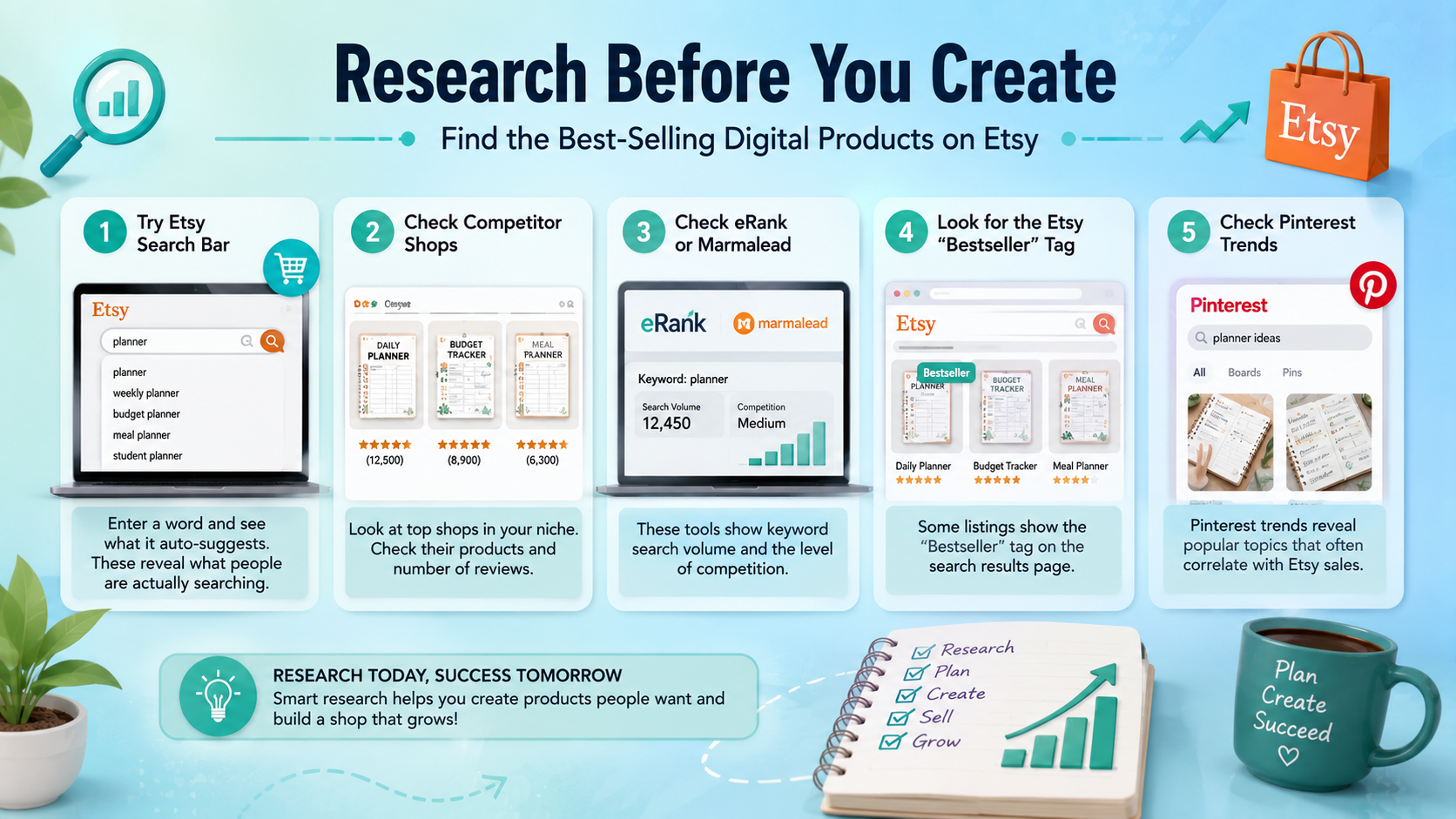
Research is the first step in creating. Use the following tips and tricks to find the best-selling digital products on Etsy:
Preparing research before you create the design will save you time and improve your chances of making sales early.
Everyone wants to know: How much can you earn from selling digital products on Etsy? The truth is, it depends on hard work, niche, and pricing.
There are lots of great Etsy sellers who are making six figures just from digital downloads. It is not luck that makes the difference. Consistency, good keywords, quality designs.
When you are new, here are some things to avoid doing with Etsy digital downloads for beginners:
One category is of particular interest. This niche is consistently popular every year, particularly in January and September, when people begin setting goals for the year again, if selling planners on Etsy is what you are looking to do.
Make planners for various groups:
Specific niches will sell better than generic ones because the buyer feels the product has been made just for them.
If you are feeling overwhelmed, you can begin with the easy digital products to sell on Etsy. These need only basic design skills:
Start small, learn how Etsy works, then move to bigger templates and bundles.
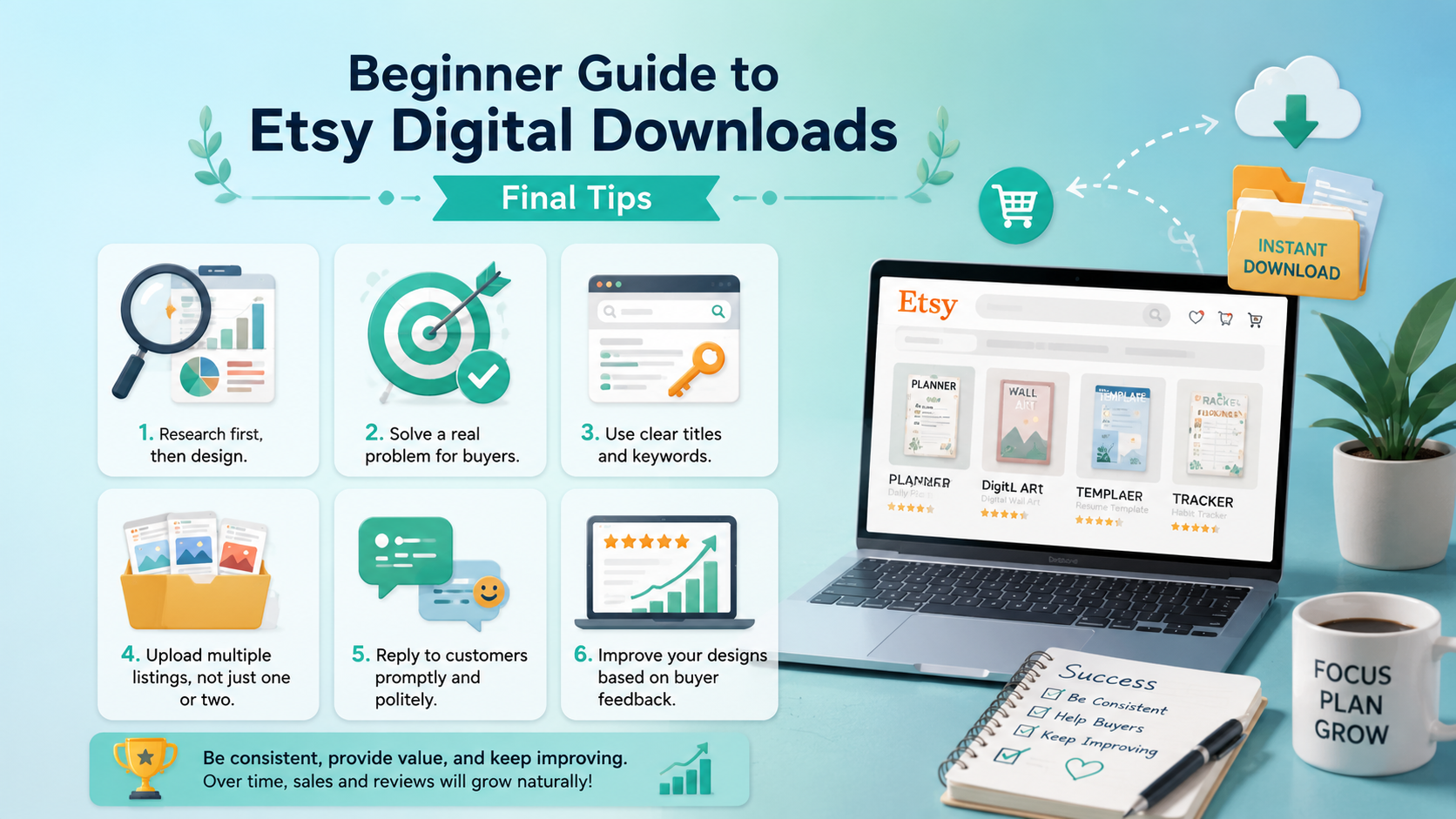
Now that you have read this beginner guide to Etsy digital downloads, you should keep these things in mind:
Etsy will honor consistent sellers. It may take some time to get your first few sales, but once you build up reviews and visibility in your shop, the sales should continue to roll in.
Knowing how to sell digital products on Etsy for beginners is not a very hard process. It only requires patience. Test run one great product before you get started, listen to the feedback from the buyers, and gradually build your online store. It is a way that thousands of people are already making a living wage, and with the proper strategy, it can be replicated over time.
Add a Personal Use Only disclaimer in the file. Seek to protect graphics, flatten your PDFs and file DMCA takedown notices against those who violate copyright.
Your SEO efforts are successful, but your listing is not successful. Make your mockups look better, cut your price, or make your descriptions clearer to evoke buyer trust.
No, because it is not possible to return digital files. Give the customer a refund only if the customer’s Etsy dashboard indicates that the customer has not downloaded the digital file.
Firstly, start your business with 10 to 15 products. If you want to get daily traffic from the Etsy algorithm, you should aim for 50–100 high-quality listings.
Yes, but they need to be put together in a new and unique design. Do not use Pro elements to avoid watermarks or other unwanted charges on your buyer’s screen.