
Edited by
M. Ibrahim

Reviewd by
Abdul Qadir

Edited by
M. Ibrahim
Reviewd by
Abdul Qadir
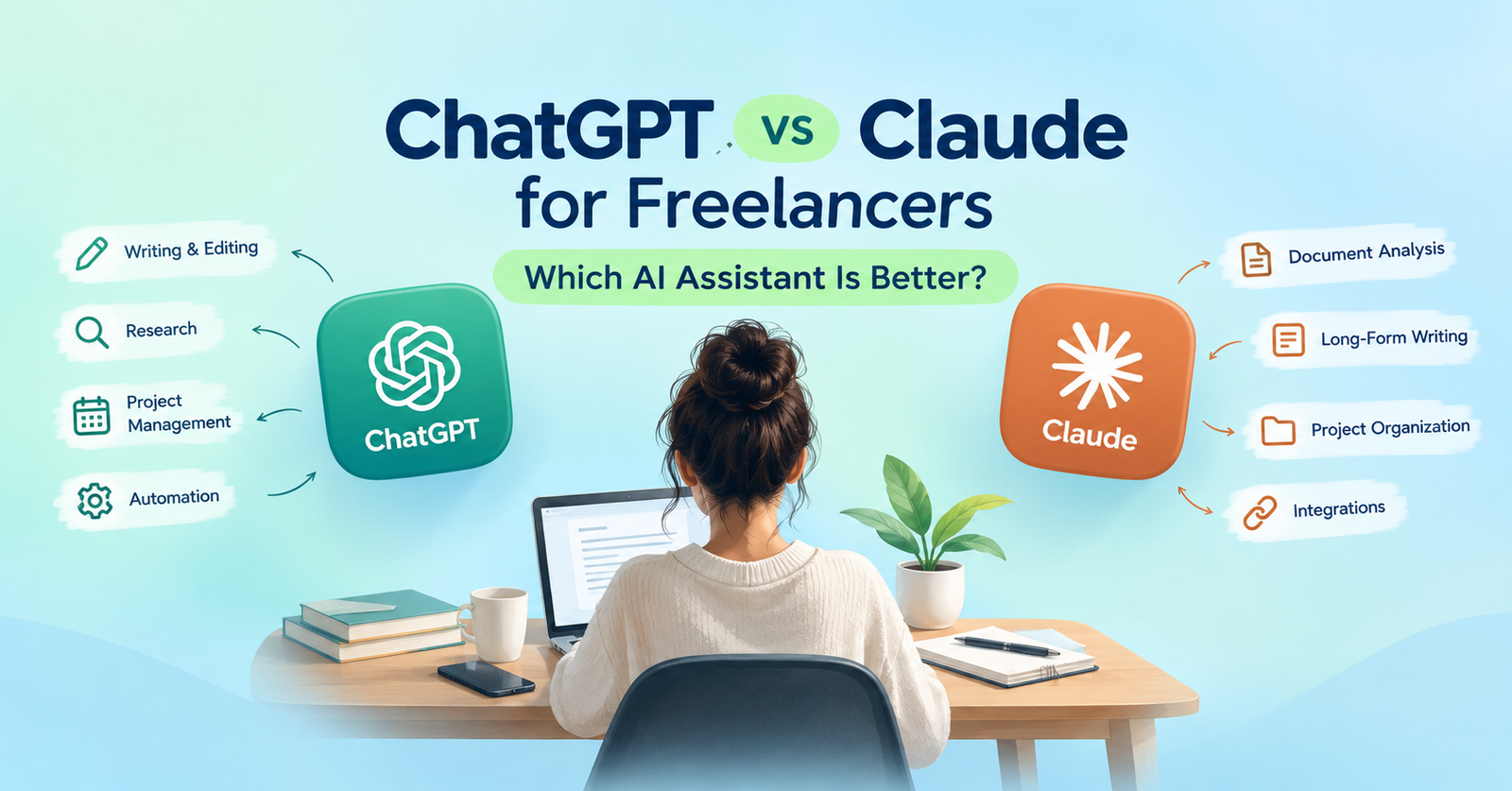
Freelancers have multiple tasks to carry out. They compose content, interact with clients, arrange deadlines, investigate new subjects and draft project reports. These jobs can be made easier by an AI assistant, but it’s not always easy to find the right one. ChatGPT vs. Claude for freelancers is a frequent comparison, as they can assist with tasks such as writing, research, planning and business tasks.
But the best option is based on working habits. Some freelancers require assistance with document analysis or content creation, while others are looking for tools to organize projects, analyze documents or link tools together. When using a restricted budget, pricing and usage restrictions can also play a role.
This guide highlights the differences between both assistants, outlines their practical differences and guides you to choose which one would suit your freelance business.
Claude vs ChatGPT for project management depends on the project you need to organise. Both assistants can be useful when developing project plans, summarising client briefs, dividing large jobs into smaller chunks and making schedules.
Projects are a great way to consolidate information, conversations, files and instructions in a chat with ChatGPT. Claude also provides Projects that have their own chat histories, project knowledge and instructions. Their capabilities rely on what features you’ve got in your account.
ChatGPT might be ideal for freelancers who wish to engage in planning, research, file analysis and utilize the available connected tools. Freelancers who work on long documents, detailed briefs and information specific to projects may find Claude helpful. Incomrise helps freelancers to discover easy ways to earn online, use AI tools and grow their businesses.
| Feature | ChatGPT | Claude |
|---|---|---|
| Writing and editing | Drafting, rewriting, brainstorming and editing | Drafting, rewriting, analysis and editing |
| Project organization | Projects with chats, files and instructions | Projects with chats, knowledge and instructions |
| Research | Web search and research tools, depending on plan | Web search and Research features, depending on availability |
| File analysis | Supports file uploads and analysis | Supports document uploads and analysis |
| Workflow integrations | Available apps and connected tools | Available connectors and supported integrations |
| Project tracking | Helps create plans and summaries | Helps create plans and summaries |
These are general differences in capabilities, not necessarily a rank order of performance. The tools available, their usage limits and features may differ by subscription and account. Make sure to review the latest product documentation before deciding on a paid subscription.
ChatGPT vs Claude for freelance writing is crucial for writers, bloggers, SEO enthusiasts and editors.
ChatGPT can be used to outline your articles, find article ideas, draft content plans, restructure paragraphs and conduct keyword research. It is also capable of analysing files uploaded to it and making use of tools available to it in order to develop content. Claude can assist in organizing long-form articles, providing comprehensive instructions for your clients, proofreading drafts and ensuring consistency in documents provided to it as context for the project.
Both are good tools for generating initial drafts but neither will deliver correct facts, original content or even publish-ready content. The writer should read through their work, check their sources and bring their own knowledge to the work.
Let’s say that a client requests 4 articles for SEO and each of these articles needs keyword research, writing, editing and approval. You can request either assistant to break up the work into smaller chunks, set deadlines, establish dependencies and even create a weekly plan.
The two assistants can also assist in the development of project briefs, meeting summaries, progress reports and follow-up messages.
While comparing Claude vs ChatGPT project planning features, take into account the capacity of each assistant to deal with your project data. ChatGPT Projects can organize chats, files and instructions that are relevant. Claude Projects offer a space where users can maintain their own chat history, knowledge base and instructions.
There is a restriction. Making a schedule in a discussion isn’t the same as having an active task board. If the necessary integration or feature is not available and set up, you might have to assign tasks to your projects yourself.
If you’re looking to cut down on repetitive tasks, consider Claude vs ChatGPT workflow automation. ChatGPT can be used to create connected apps and workflows. Claude can be connected and integrated with services that support it to provide information to conversations. These options vary according to product, account and configuration.
Here are some ideas on how to use the device:
Always review a service’s permissions and information that it can access prior to connecting. Also, keep in mind that and remember to differentiate between a suggested action and an action that has actually been performed.
When comparing ChatGPT Plus vs Claude Pro freelancer, the emphasis should be on how each model performs rather than the monthly subscription fee.
According to the official pricing pages on the US side, as of this writing, each subscription is $20/month, billed monthly. An additional $200 per annum option is offered by Claude Pro (roughly $16.67 per month, before taxes) as well. Prices and availability may vary from region to region.
| Comparison | ChatGPT Plus | Claude Pro |
|---|---|---|
| US monthly price | $20/month | $20/month |
| Annual billing | Check current options | $200 upfront for the listed annual option |
| Main benefits | Expanded model access, file analysis, image generation, research tools and other features | More usage, access to additional models, Projects, Research and Claude Code |
| Best reason to pay | You regularly use its broader set of tools | You regularly work with Claude and need its paid features |
| Important limitation | Usage limits apply; API usage is separate | Usage limits apply; API usage is separate |
If you’re a freelancer who writes a few articles a month, you might not need anything more expensive than a free plan. A paid subscription could be more beneficial if you use briefs frequently, do research or analyze files often, or work on many projects. Freelancers also compares subscription costs with their monthly income to understand how much freelancers should spend on AI tools without affecting their business budget.
Claude vs ChatGPT solo business is all about the organization of your everyday work for a solo freelancer. For small content businesses, you may want to develop a project for every client, save guidelines for the brand, upload reference documents and maintain reusable instructions. There are two kinds of assistants that are both project-based, but with different attributes and restrictions.
With teams, sharing and permissions need to be consulted closely with Claude vs ChatGPT team collaboration. Shared Projects are available with ChatGPT on eligible plans; Collaboration limits depend upon the plan. Claude has both Team and Enterprise plans that focus on organization, with project visibility and access settings enabled. Prior to selecting one of either platform to work with clients, determine if you require a set number of collaborators, access to projects and the correct level of permissions.
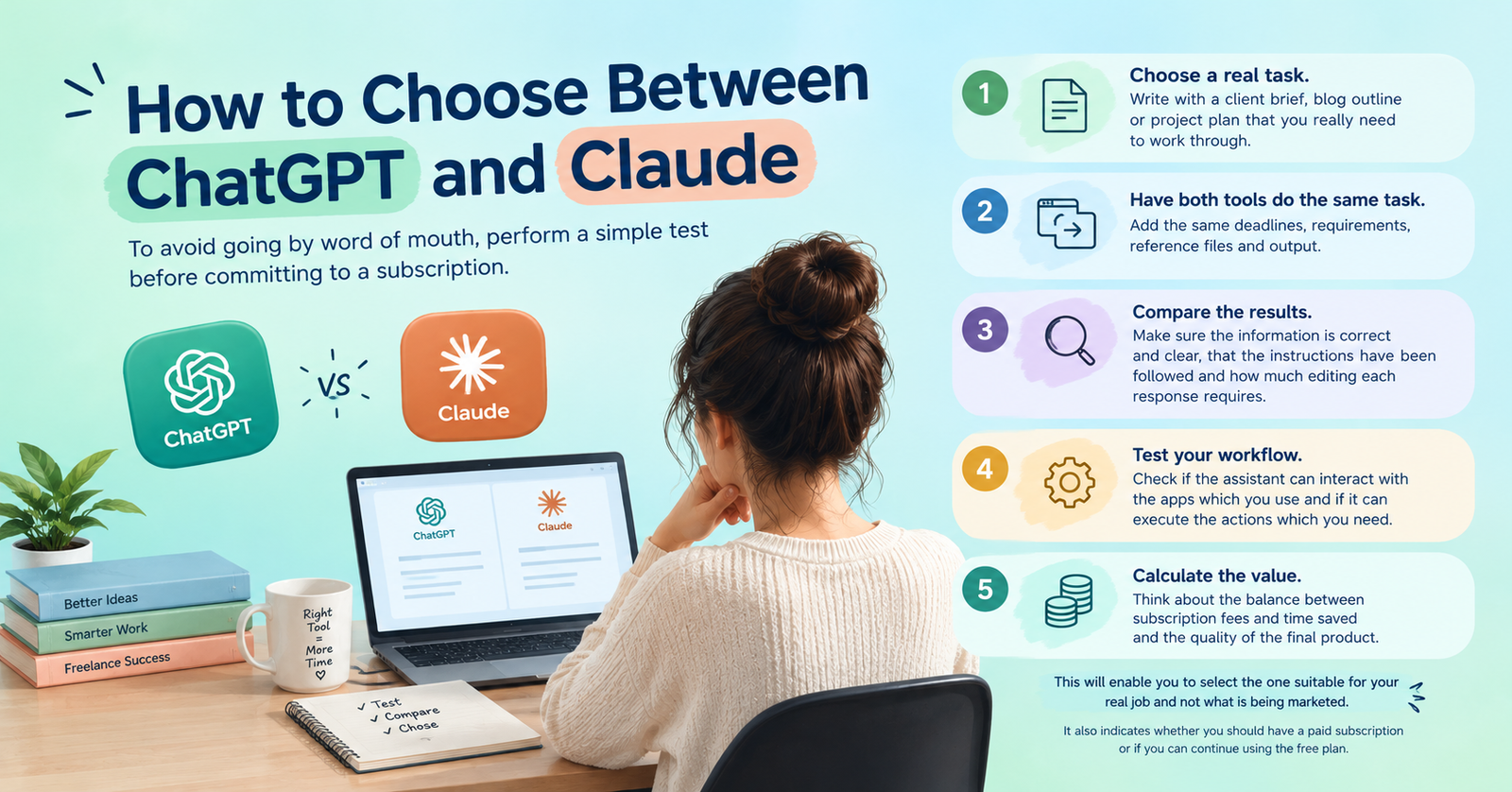
To avoid going by word of mouth, perform a simple test before committing to a subscription.
This will enable you to select the one suitable for your real job and not what is being marketed. It also indicates whether you should have a paid subscription or if you can continue using the free plan.
Both ChatGPT and Claude can assist freelancers in creating content, structuring projects, generating task lists and handling repetitive work. It’s not necessarily about one tool being better than the other, but how its features will work for you.
If you’re looking for a tool that can handle writing, research, file analysis and connected tools, ChatGPT might be the right choice. For extended writing or analysis tasks, detailed documents and work-specific context, consider testing Claude.
Test both tools with the same actual freelance task prior to paying for either tool. Select the one that will save you time, will meet your customer’s needs and won’t cost you too much, but doesn’t involve too much complexity.
They both can support document analysis, research and planning for writing. It depends on the type of work, features and limitations you require and your current software.
Both can write, edit and reorganise content. Try them out with the same short test and see how accurate, tone, originality and editing time are; then decide which to choose.
They can both be used for making project plans, task lists, schedules and progress summaries. But there is a need for a project management application or an appropriate integration to keep live deadlines and task statuses.
This might be worth it if you frequently utilize its other models, file analysis, research tools, image generation and other features that are included with it. Be sure it’s within the current limits before subscribing.
Claude Pro is a helpful tool if you are using documents frequently, Projects, Research or other paid tools. Before paying, estimate its current limitations and capabilities against your current workload and compare.
Both support workflow assistance with the tools and integrations available. The degree of automation varies based on the services linked, permissions allowed, and actions permitted. Double-check whether or not an intended action has taken place.