
Edited by
M. Ibrahim

Reviewd by
Abdul Qadir

Edited by
M. Ibrahim
Reviewd by
Abdul Qadir
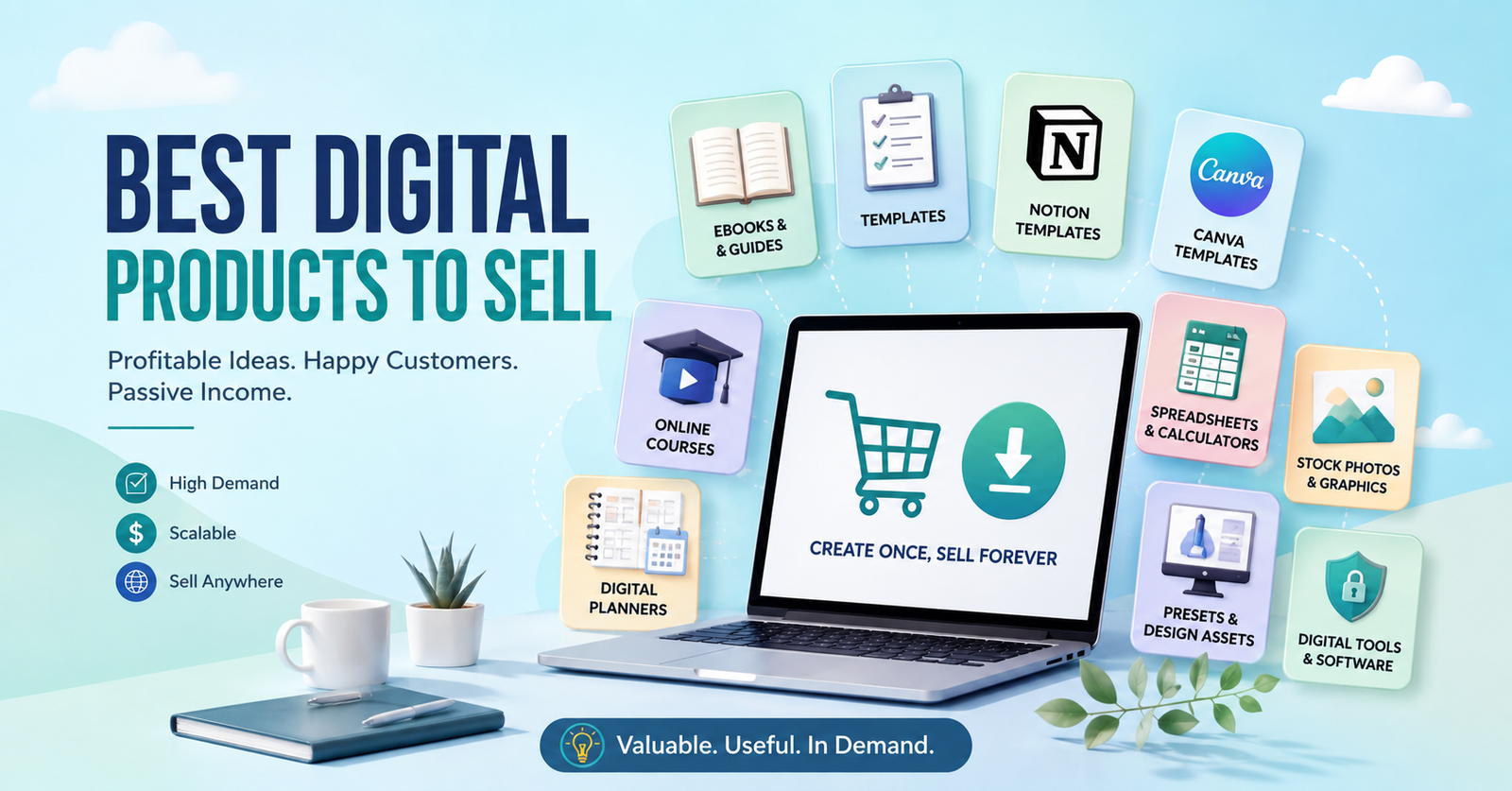
The best selling products are e-books, printable template, notion, Canva, online courses, digital planners, spreadsheet and calculators, stock photos, presets and design assets, worksheet and workbooks, font, icons and creative assets.
Being an online business does not require a physical product, inventory, or shipping. Digital products are an easier way to go. You develop a valuable resource, file or learning experience and present it online.
But not all downloads are best sellers. The best digital products to sell online address a definite issue for a certain crowd of individuals. Demand, product quality, pricing, competition, marketing and customer trust all affect sales.
If you are considering a home-based business, platforms and resources like Incomrise can introduce you to other methods of creating an online income stream. Here are some of the most effective digital products to consider.
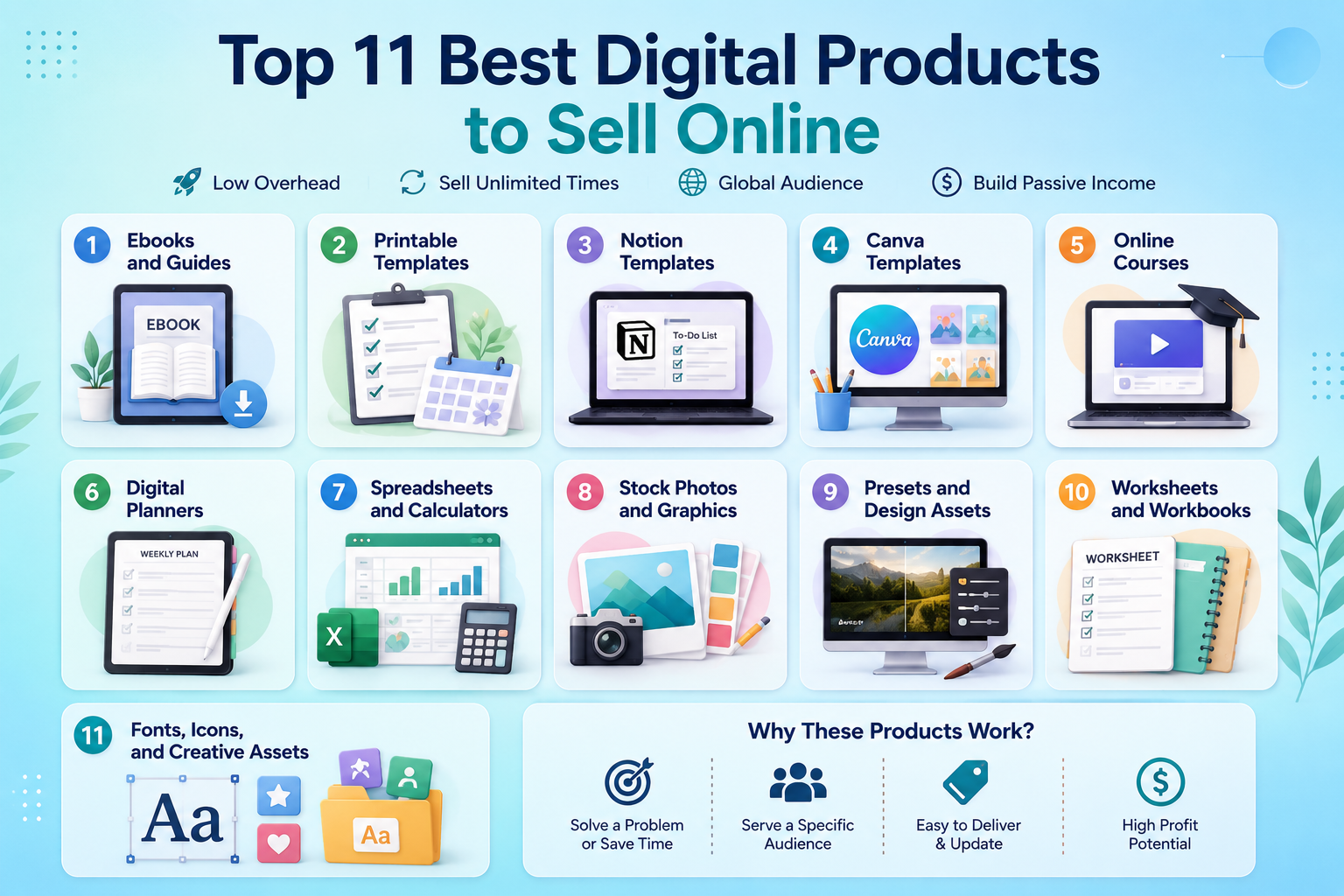
Ebooks are electronic texts that are offered to be downloaded and offer the learner something useful or a remedy to a problem. The knowledge of freelance writers, teachers, marketers, coaches and any subject matter experts can be translated into practical guides.
Pros:
Cons:
Printable templates are planners, checklists, calendars, worksheets, trackers and more. They are suitable for students, parents, teachers, professionals and small business owners.
Pros:
Cons:
Notion templates provide users with pre-made systems for project management, financial management, studies, habits, content and so much more. They are helpful for individuals who wish to have a systematic work area but don’t want to construct a new area.
Pros:
Cons:
Canva templates offer pre-designed social media posts, presentations, resumes, brochures and business documents. Designers and marketers can create templates for specific industry/individual audiences. If Canva is one of your preferred tools, these Canva side hustle ideas can help you explore other ways to monetize your design skills.
Pros:
Cons:
Online courses present knowledge in a systematic manner in lessons, sometimes with the help of videos, worksheets, quizzes or downloadable material. They are ideal for those who have an interest in areas like writing, photography, marketing, fitness or education.
Pros:
Cons:
Digital planners allow users to arrange their schedules, routines, budget, studies, fitness and personal activities on compatible equipment.
Pros:
Cons:
Customers can use spreadsheets and a calculator to track their budgets, expenses, inventory, projects, or business information. They are particularly helpful when formulas and calculations are beneficial to saving the user time.
Pros:
Cons:
Stock photos, illustrations, icons, backgrounds and other graphics are pre-made pictures for companies, bloggers, marketers and creators.
Pros:
Cons:
Presets, mockups, brushes, textures and more design elements assist creators in speeding up their creative process. For photographers and designers, they can put together collections of related assets that are of value.
Pros:
Cons:
Worksheets focus users on activities, lessons, or a particular task; workbooks focus on a series of worksheets. Teachers, tutors, coaches and professionals can create them around a particular learning goal.
Pros:
Cons:
Fonts, icons, patterns, stickers and digital artwork provide designers and businesses with instant creative tools for projects.
Pros:
Cons:
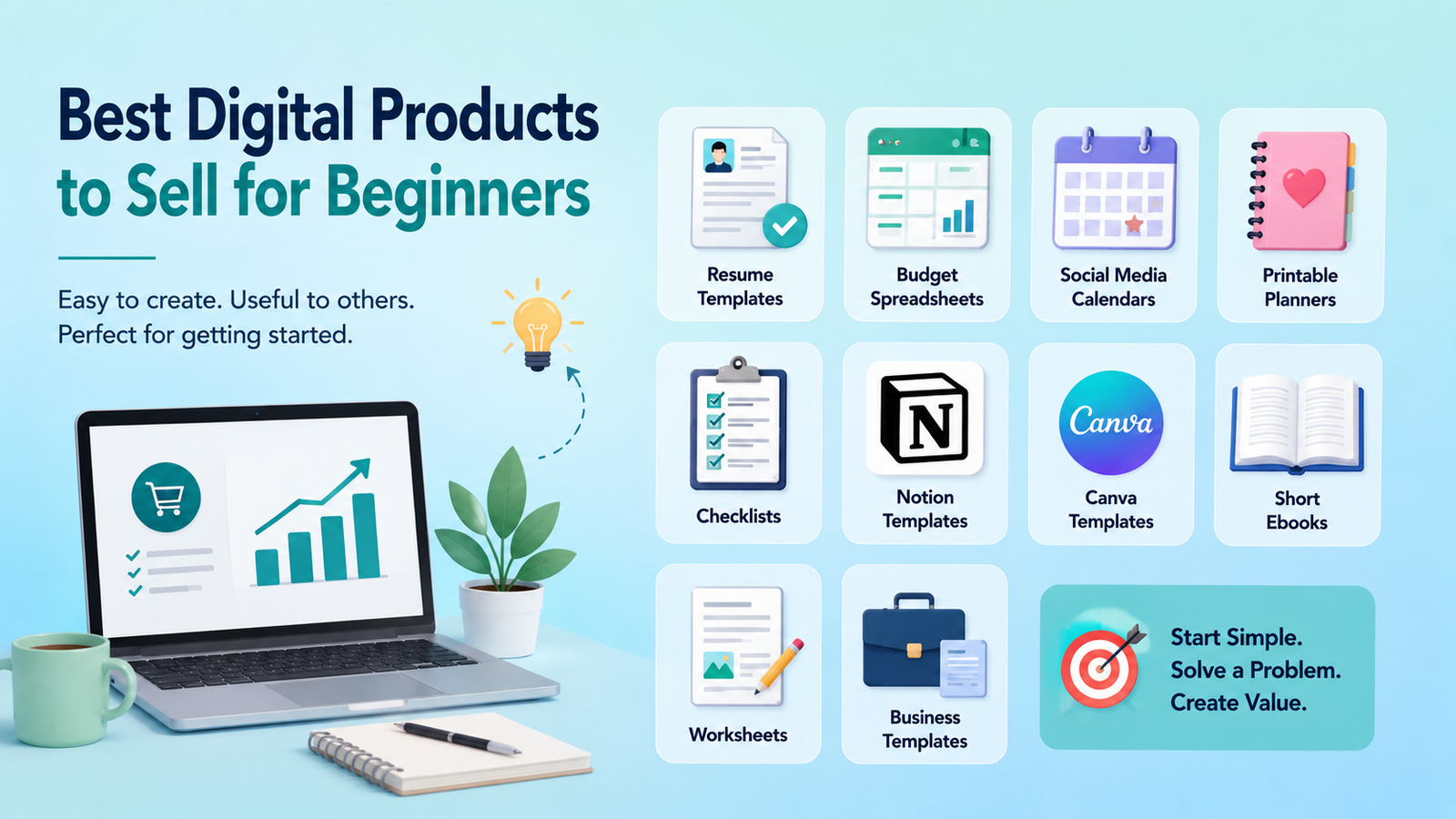
For beginners, the best products to sell online are typically easy, quick products to produce and solve a specific problem. It’s not necessary to start with 10 hours. A $10 template may be a better initial project since it doesn’t take as long to make, test and enhance.
Some good ideas to get you started are:
Consider what you can do with your existing skills. A writer might develop a content calendar or a proposal template. The teacher is able to develop worksheets. There is a way to create templates that can be used on social media by a designer.
Start with problems, not products. Go to Google and find questions that are commonly asked. Look at search results on marketplaces and view customer reviews. Analyze competitors’ product pages and see what customers are saying about them. The most successful and profitable digital products are ones that fulfill a real need, demonstrate a clear demand, provide valuable knowledge and have manageable competition.
It does not necessarily follow that high demand leads to high sales. There may be hundreds of competing products that are well-established in a popular product category. Meanwhile, low competition digital products are not necessarily viable targets. When there is little competition, it could just be that no one really desires the product.
Look for a balance.
Inquire whether they look for the solution, if they purchase the same thing, if they talk about the issue and if they try to find a better product. Customer reviews are particularly beneficial. A complaint like “There is this feature that is missing” or “It isn’t as easy as
Time-saving or confusing products, or those that can help customers achieve a desired outcome, may have more commercial value. When it comes to templates, planners, spreadsheets, guides, teaching materials and creative resources, it’s all about having what fits the need.
To make it easy to understand, say a person sells 20 $10 templates, generating $200 in revenue for that particular instance. Ten sales of a $25 guide equal $250. Five bundles of $50 is equal to $250.
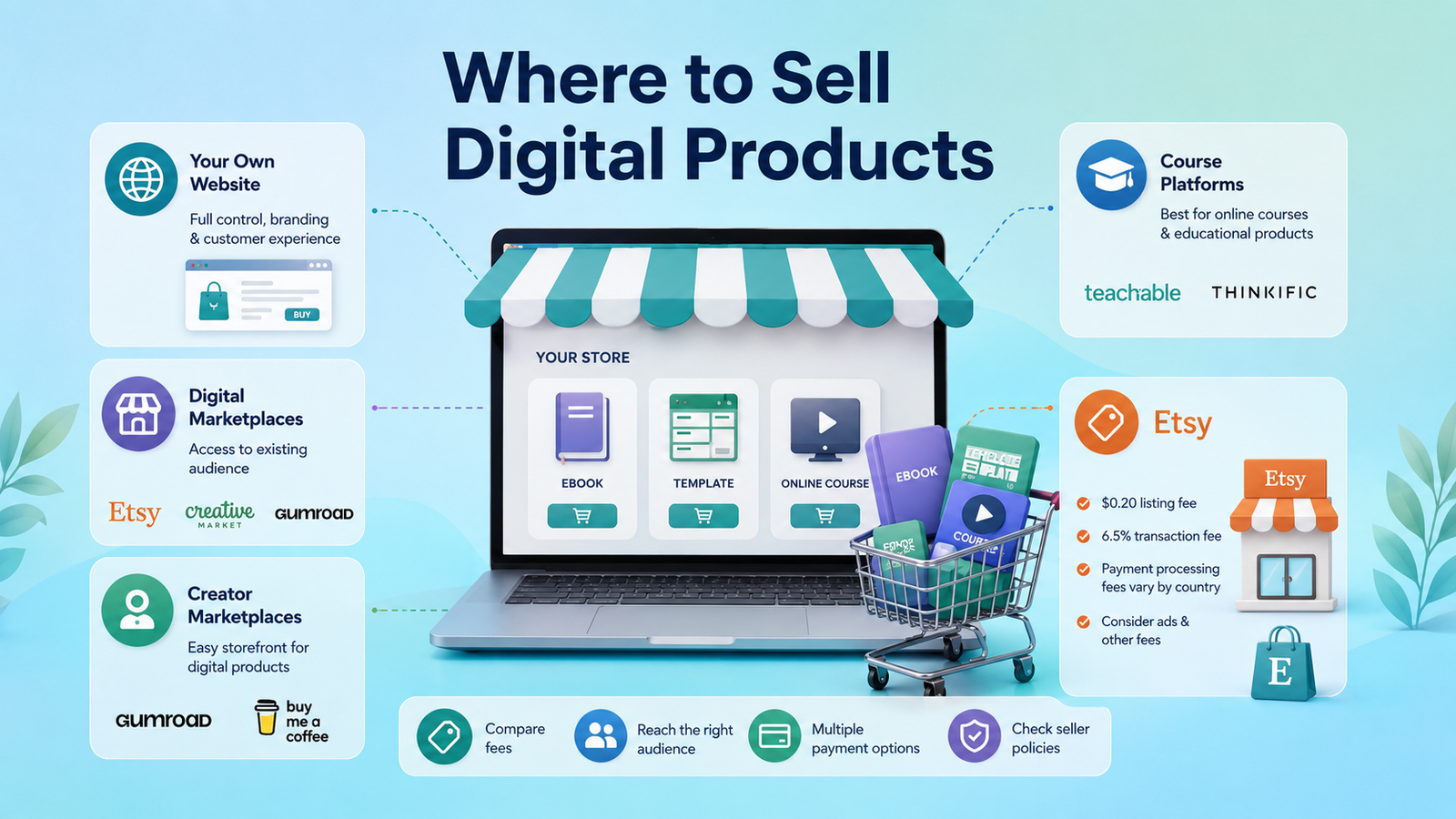
You have several options.
With a personal website, you have greater control of your branding and customer experience. Digital marketplaces can serve an existing audience. File sales can be facilitated by creator storefronts and for educational products, course platforms are ideal.
There are several options available for digital products on Etsy, including sellers taking into account their listing, transaction and payment processing costs, as well as any advertising fees. There is a $0.20 listing fee and an additional 6.5% transaction fee on Etsy, while there are different payment processing fees for different countries.
If you’re considering Etsy, our guide to selling digital products on Etsy explains how beginners can approach the marketplace.
Keep your first launch simple:
Your first product doesn’t need to be perfect. It needs to be useful enough for real customers to understand its value.
The best digital products to sell online aren’t necessarily the most complicated ones. If it is a problem that has been articulated for a particular audience, a simple template, spreadsheet, guide or worksheet can be helpful.
Start small. Select one audience, one problem and one useful product, test it out and then expand your range. With a clear grasp of what customers are truly looking for, you can make better changes to the product, develop ancillary offerings and establish a more viable digital enterprise.
The best options are those that address customer needs. There are various formats that are available, such as templates, ebooks, planners, spreadsheets, courses, worksheets, and creative assets.
Typically, a template, checklist, simple planner, spreadsheet, or short guide and worksheet will be a better place to begin than a large course or a complex software solution.
No one product will always be the best seller. The principles of sales rely on the demand, audience, quality, competition, pricing and marketing.
Seek out queries that people are already looking for, talking about and paying for answers. Do research on your competitors, customer reviews, marketplace listings and keywords before creating your product.
They can bring in sales once they are created and income is not guaranteed. Promoting, updating, offering customer support and continually building audiences for products can be necessary.